

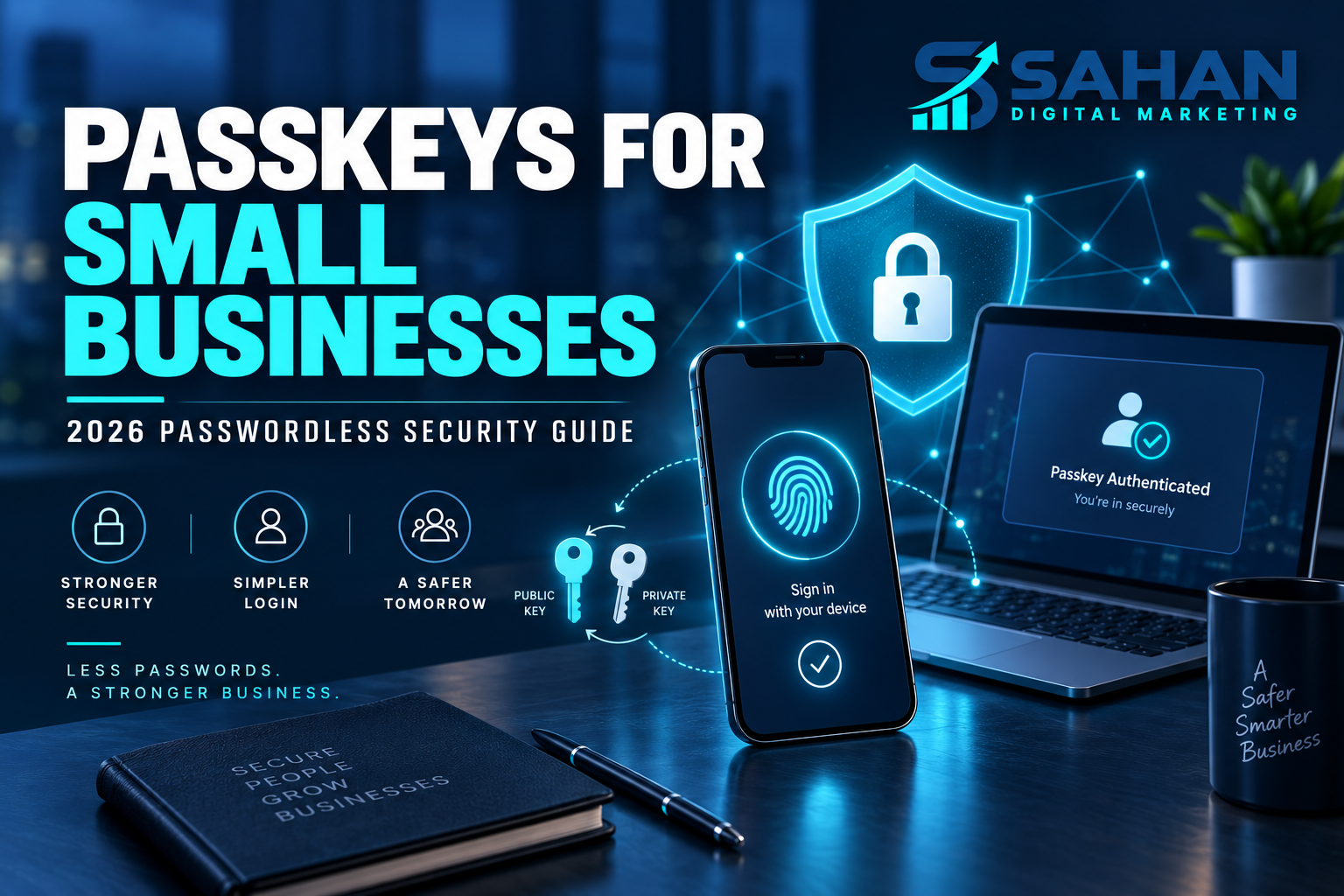
Passkeys for small businesses are moving passwordless security from a specialist technology into an everyday sign-in option. They allow users to approve access with the same biometric, PIN, or device unlock they already use without sending a reusable password to a website.
Thank you for reading this post, don't forget to subscribe!For owners managing email, cloud software, ecommerce, social platforms, and financial tools, passkeys can reduce exposure to phishing and stolen credentials. This guide explains how they work, where they help, and how to adopt them carefully in 2026.
What Is a Passkey?
A passkey is a FIDO credential that replaces a password with a cryptographic key pair. The private key remains protected by the user’s device or credential provider, while the online service stores a corresponding public key. During sign-in, the two prove the user’s identity without sharing a password.
The FIDO Alliance explains that users normally approve the sign-in through a fingerprint, face recognition, device PIN, or device password. Biometric information stays on the device; the website receives confirmation that the local check succeeded. Review the official FIDO passkey overview.
Why Passwords Create Business Risk
Passwords can be guessed, reused, leaked, phished, or exposed through insecure sharing. Small teams often create additional risk by sending credentials through messages, using one login for several people, or failing to remove access when a working relationship ends.
Traditional multifactor authentication is still valuable, but some one-time codes and approval prompts can be intercepted or manipulated. Passkeys are designed to be phishing-resistant because the credential is connected to the legitimate website or application rather than typed into any page that asks for it.
Business Benefits Beyond Security
Passkeys can make sign-in faster and reduce password-reset requests. For customer-facing websites, fewer forgotten passwords may reduce abandonment. For internal teams, easier secure access can improve adoption because employees do not have to invent and remember another password.
They can also reduce the damage caused by a breached password database because the service does not store the same kind of reusable secret. Security still depends on protecting devices, accounts, recovery methods, and administrator permissions, but the authentication foundation is stronger.
Where Small Businesses Should Start
Begin with high-value accounts that already support passkeys: primary email, password managers, cloud administration, e-commerce platforms, domain registrars, financial tools, and major social accounts. Administrators and owners should be prioritised because their accounts can often change settings or control other users.
Before enabling a passkey, confirm how recovery works. Add more than one trusted device where appropriate, store backup methods securely, and make sure emergency access does not depend on one phone. A security improvement should not create a single point of failure.
Synced and Device-Bound Passkeys
Synced passkeys can become available across devices connected to the same credential provider. This improves convenience and recovery. Device-bound passkeys remain on a specific authenticator, such as a physical security key, and may be preferable for especially sensitive administrator access.
The correct choice depends on risk, team size, compliance needs, and operational reality. A small owner-managed business may value secure syncing, while a company with privileged administrators may use hardware security keys for stronger control.
A Safe Adoption Checklist
First: inventory critical accounts, administrators, shared credentials, and recovery methods. Second: enable passkeys on one low-risk service and test sign-in from normal working devices. Third: document recovery and keep a separate protected backup. Fourth: expand to high-value accounts and remove obsolete passwords or access where the service allows it. Fifth: train the team never to approve unexpected prompts.
Do not remove every established recovery option on the first day. Test account access, cross-device behaviour, staff departures, lost-device procedures, and emergency administration before completing the transition.
Passkeys Do Not Replace Good Security Management
Continue using unique credentials where passwords remain, a reputable password manager, software updates, device encryption, least-privilege access, reliable backups, and documented offboarding. Monitor administrator activity and remove accounts that are no longer needed.
A passkey protects the sign-in process, but it cannot protect an unlocked stolen device, an already compromised session, excessive permissions, malicious software, or a dishonest insider. Security works in layers.
What Website Owners Should Consider
Businesses offering customer accounts should evaluate whether their ecommerce, membership, or application platform supports passkeys. Adoption should include accessible fallback options, clear user guidance, tested recovery, analytics for sign-in success, and support preparation.
Do not build custom authentication from scratch unless qualified specialists are involved. Use established standards and trusted platform implementations. Security-sensitive changes should be tested before being released to all customers.
Final Thoughts
Passkeys offer small businesses a practical route to simpler, phishing-resistant authentication. Start with the accounts that would cause the most damage if compromised, protect recovery carefully, and adopt the technology in stages. The objective is not merely removing passwords—it is creating safer access that people can use correctly.
Explore more practical technology and business guidance on AI agents for small businesses, or contact Sahan Digital Marketing for digital support.