

AI cybersecurity for small businesses has two sides. Artificial intelligence can help defenders identify suspicious behaviour and respond faster, but it can also help criminals produce convincing phishing messages, automate reconnaissance and scale attacks. Small organisations do not need an expensive security laboratory to respond. They need a disciplined, layered plan.
Thank you for reading this post, don't forget to subscribe!This guide focuses on practical controls that reduce everyday risk: secure sign-in, updates, backups, staff verification, access limits and an incident plan.
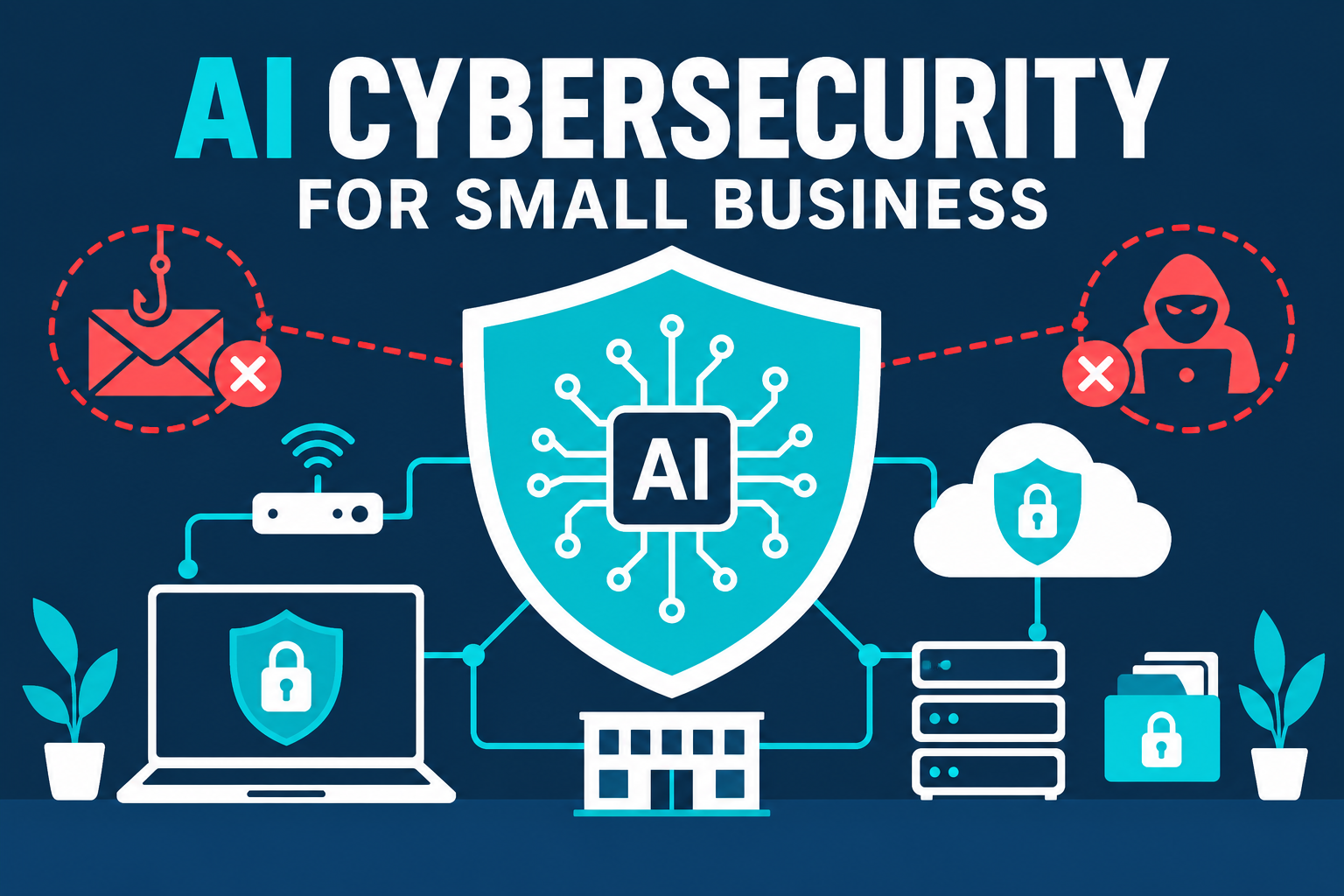
How AI Is Changing Cyber Risk
Many attacks still begin with familiar weaknesses: reused passwords, unpatched software, excessive access or a rushed employee. AI makes these methods faster and more persuasive. A fraudulent email can imitate a supplier’s writing style, produce natural translations or create a believable request for an urgent payment.
At the same time, security providers are adding AI-assisted detection and remediation. These systems can help prioritise threats, but they are not a replacement for basic controls or accountable human decisions.
AI Cybersecurity for Small Businesses: Five Priority Risks
1. AI-enhanced phishing
Messages may contain fewer spelling errors and more relevant personal details. Employees should verify unexpected payment, password-reset and bank-detail requests using a separate trusted channel.
2. Account takeover
A single compromised email account can expose password resets, invoices, cloud files and customer conversations. Strong sign-in protection should therefore come before advanced security products.
3. Data leakage through AI tools
Employees may paste confidential material into public AI services for convenience. Establish a short rule defining what can and cannot be entered, and provide an approved alternative when possible.
4. Vulnerable websites and plugins
WordPress, themes and plugins need routine updates and backups. Remove unused extensions and limit administrator accounts. A small website can still be valuable to attackers for spam, redirects or credential theft.
5. Fraudulent audio and video
Voice cloning and manipulated media can make an urgent request appear to come from an owner or manager. High-value actions need a second verification step that does not rely only on a voice message or video call.
A Practical 30-Day Defense Plan
Week 1: Secure identities
- Enable multifactor authentication or passkeys on email, hosting, banking and social accounts.
- Use a password manager and unique passwords where passkeys are unavailable.
- Remove accounts belonging to former workers or contractors.
- Confirm recovery email addresses and phone numbers.
Week 2: Reduce technical exposure
- Update computers, phones, routers, WordPress core, themes and plugins.
- Delete unused software and browser extensions.
- Limit administrator privileges to people who need them.
- Check that HTTPS is active and security alerts reach the correct person.
Week 3: Protect data and backups
- Identify critical customer, financial and operational data.
- Keep at least one backup separated from normal working systems.
- Test the restoration process; an untested backup is only a hope.
- Define which information may be used with AI tools.
Week 4: Practise verification and response
- Run a short phishing-awareness exercise.
- Create a two-person check for payments and bank-detail changes.
- Write down who contacts the host, bank, insurer and affected customers.
- Practise disconnecting a compromised device and resetting an account.
A Simple Verification Rule
For any unusual request involving money, passwords, sensitive files or account access:
- Pause.
- Do not use the contact details contained in the suspicious message.
- Contact the person through a previously trusted number or account.
- Require a second approval for high-value actions.
- Record and report the attempt.
This procedure is inexpensive and helps defend against traditional fraud as well as AI-assisted impersonation.
Where AI Security Tools Can Help
AI-assisted security tools may help analyse unusual login behaviour, prioritise alerts, detect malicious email patterns or recommend remediation. The value depends on configuration, data quality and the team’s ability to act on alerts.
My recommendation: complete the basic controls first. A sophisticated dashboard cannot compensate for shared passwords, missing backups or unrestricted administrator access.
Questions to Ask a Security Vendor
- Which specific threat does the product reduce?
- What data does it collect, retain and share?
- Can a human review or override its decisions?
- How quickly are serious alerts delivered?
- What happens when the system is wrong?
- Can we export our data and leave the service?
- What support is included during an incident?
A strong AI cybersecurity for small businesses programme combines technology with repeatable human checks. Review access, backups and payment-verification procedures regularly as the company, staff and tools change.
Final Takeaway
AI cybersecurity for small businesses begins with trustworthy processes, not hype. Secure important accounts, minimise access, update systems, protect backups and verify unusual requests. Then consider AI-assisted tools that solve a clearly identified problem.
Continue with our passkeys security guide and our guide to using AI agents without losing trust.
Editorial note: This guide provides general risk-reduction information. Security needs vary by industry, data type and local regulation. Claims about any security product should be independently evaluated.