

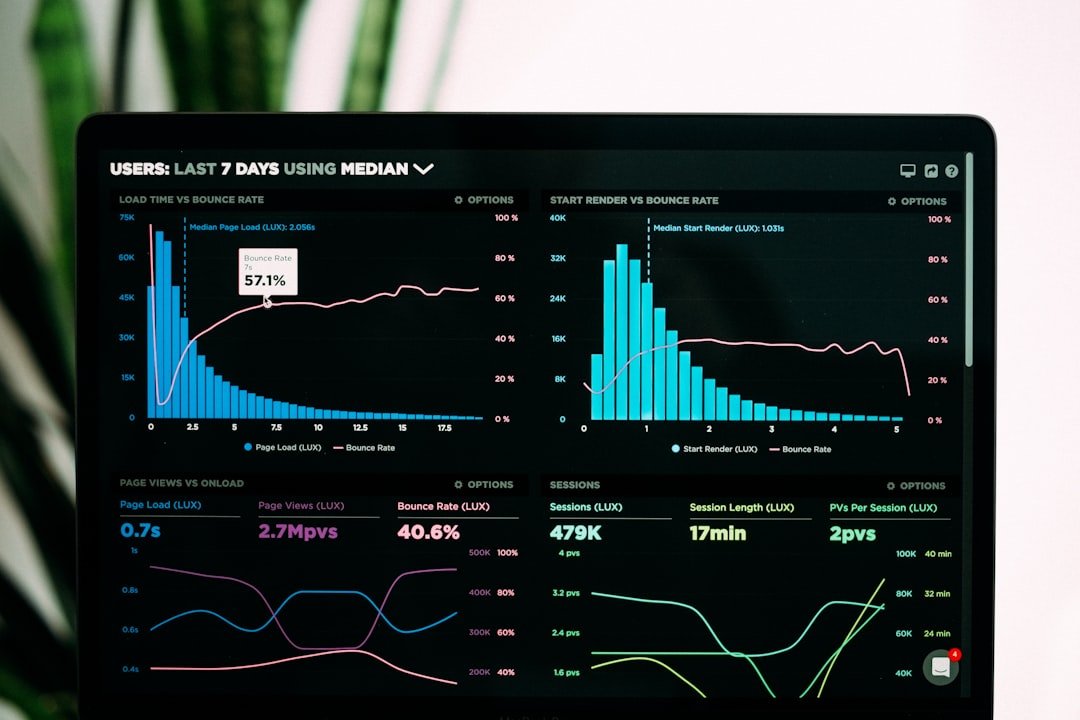
A website can attract visitors and still produce very few enquiries, bookings or sales. For a small business, traffic alone is not the goal. The website must help the right visitors understand the offer, trust the business and take a useful next step.
Thank you for reading this post, don't forget to subscribe!Website conversion optimization for small businesses is the process of improving pages so more qualified visitors complete meaningful actions. Those actions might include submitting a contact form, calling the business, requesting a quote, booking an appointment, joining an email list or purchasing a product.
This guide explains how to improve conversions using clear messaging, focused calls to action, trustworthy design and practical measurement—without relying on manipulative tactics or rebuilding the entire website.
What Is Website Conversion Optimization?
Website conversion optimization means identifying where visitors hesitate or leave, then making evidence-based improvements that help them complete an important action.
A conversion depends on the purpose of the page. Common small-business conversions include:
- Contact-form submissions
- Telephone calls
- Quote requests
- Consultation bookings
- Email subscriptions
- Product purchases
- Downloads of useful resources
Optimization is not simply changing button colours or adding more pop-ups. It begins with understanding what visitors need before they feel confident enough to act.
Start With One Clear Conversion Goal
Every important page should have one primary goal. A service page might encourage visitors to request a quote, while an educational article might invite them to read a related guide or join an email list.
If a page asks visitors to call, subscribe, download, follow four social accounts and purchase three different products at the same time, the next step becomes unclear. Secondary links can still exist, but one action should receive the strongest visual emphasis.
Write the goal in one sentence: “After reading this page, the ideal visitor should…” If you cannot finish that sentence clearly, simplify the page before changing its design.
Measure Actions That Matter
Before improving a page, record its current performance. Google Analytics allows businesses to mark important actions as key events. These can include completed forms, purchases, sign-ups or other interactions connected to business value.
Read Google’s guidance on key events in Google Analytics, then choose only the actions that genuinely matter to your business.
Useful measurements include:
- Number of qualified visits
- Form completions
- Calls or booking clicks
- Product purchases
- Conversion rate by page
- Conversion rate by traffic source
A higher conversion rate is valuable only when the resulting leads or customers are relevant. Quality matters more than collecting large numbers of low-intent actions.
Eight Practical Ways to Improve Website Conversions
1. Make the Main Message Immediately Clear
The first screen should quickly explain what the business provides, who it helps and why the offer is useful. Avoid vague headlines such as “Welcome to Our Website” or “Solutions for Your Future.”
A stronger message is specific: “Professional WordPress websites for local service businesses.” The supporting text can then explain the practical result, such as building trust or generating enquiries.
2. Use One Strong Call to Action
Use action-focused button text that explains what happens next. “Request a Quote,” “Book a Consultation” and “View Service Packages” are clearer than “Submit” or “Click Here.”
Place the primary call to action where visitors naturally need it: near the opening message, after important benefits and again at the end of longer pages. Repetition can be helpful when it supports the same goal.
3. Explain the Offer in Plain Language
Visitors should not need industry knowledge to understand your service. Replace unnecessary jargon with clear explanations of what is included, who the service suits and what result the customer can reasonably expect.
Answer practical questions about process, timing, requirements and pricing structure whenever possible. Unanswered questions create hesitation.
4. Strengthen Trust Near Decision Points
Trust signals are most useful near forms, pricing information and calls to action. Depending on the business, these might include:
- Genuine customer testimonials
- Relevant project examples
- Clear contact information
- Professional qualifications
- Transparent policies
- Secure payment information
- A realistic guarantee or service promise
Do not use invented reviews, fake scarcity or misleading statistics. Short-term pressure can damage long-term credibility.
5. Simplify Forms
Ask only for information needed to handle the next step. A first-contact form may require a name, email address, service interest and short message. Requesting excessive personal or business information can discourage enquiries.
Use visible labels, clear error messages and a confirmation message explaining what happens after submission. Test every form on mobile and desktop.
6. Improve Mobile Usability
Buttons should be easy to tap, text should remain readable and forms should fit smaller screens without horizontal scrolling. Important content should not disappear on mobile.
Google uses the mobile version of a website for indexing, making consistent mobile content particularly important. Review Google’s mobile-first indexing guidance.
7. Improve Speed and Visual Stability
Slow loading, delayed buttons and moving page elements can interrupt the customer journey. Compress large images, remove unnecessary scripts and test important pages on realistic mobile connections.
Core Web Vitals measure real-world loading performance, interactivity and visual stability. Google recommends achieving good results for search success and a better general user experience. Learn more in Google’s Core Web Vitals documentation.
8. Remove Distractions
Review every element competing with the main action. Automatic sliders, unnecessary animations, intrusive pop-ups and crowded menus can make a page harder to use.
A professional page does not need to feel empty, but every section should support understanding, trust or action.
Use a Simple Testing Process
Avoid changing the headline, form, images and pricing presentation simultaneously. If performance changes, you will not know which adjustment caused the result.
- Select one important page.
- Record its current traffic and conversions.
- Identify one clear problem.
- Make one meaningful improvement.
- Allow enough time to collect useful data.
- Compare the result with the original baseline.
A small website may not receive enough traffic for a formal experiment to reach statistical certainty quickly. In that situation, combine analytics with form testing, customer questions, sales conversations and direct observation.
Conversion Optimization Mistakes to Avoid
Optimizing for the Wrong Action
A large number of newsletter sign-ups may not help a service business that needs qualified consultation requests. Connect every conversion goal to a real business objective.
Copying Larger Competitors
A design pattern that works for a global company may not suit a local small business. Your audience, reputation, offer and buying process are different.
Adding Pressure Instead of Clarity
Countdown timers and aggressive pop-ups cannot repair a confusing offer. Improve the message and customer experience before adding urgency.
Ignoring Existing Customers
Conversion improvements should also help returning customers find support, make repeat purchases and discover relevant services.
A One-Week Conversion Improvement Plan
- Day 1: Choose one high-value page and define its primary conversion.
- Day 2: Test the page on mobile and desktop.
- Day 3: Rewrite the headline and supporting message for clarity.
- Day 4: Improve the main call to action and form.
- Day 5: Add relevant trust signals.
- Day 6: Configure or verify the correct analytics event.
- Day 7: Record the change and begin monitoring results.
If your website needs a broader technical review before conversion work, use our WordPress website maintenance checklist. You can also connect conversion measurement with our Google Analytics and Search Console guide.
Final Thoughts
Effective website conversion optimization for small businesses starts with clarity. Define one important action, explain the offer in plain language, reduce unnecessary friction and measure results that connect to business value.
You do not need to redesign every page at once. Start with the page closest to an enquiry or sale, make one evidence-based improvement and learn from the result. A small number of thoughtful changes can make an existing website more useful to both customers and the business.