

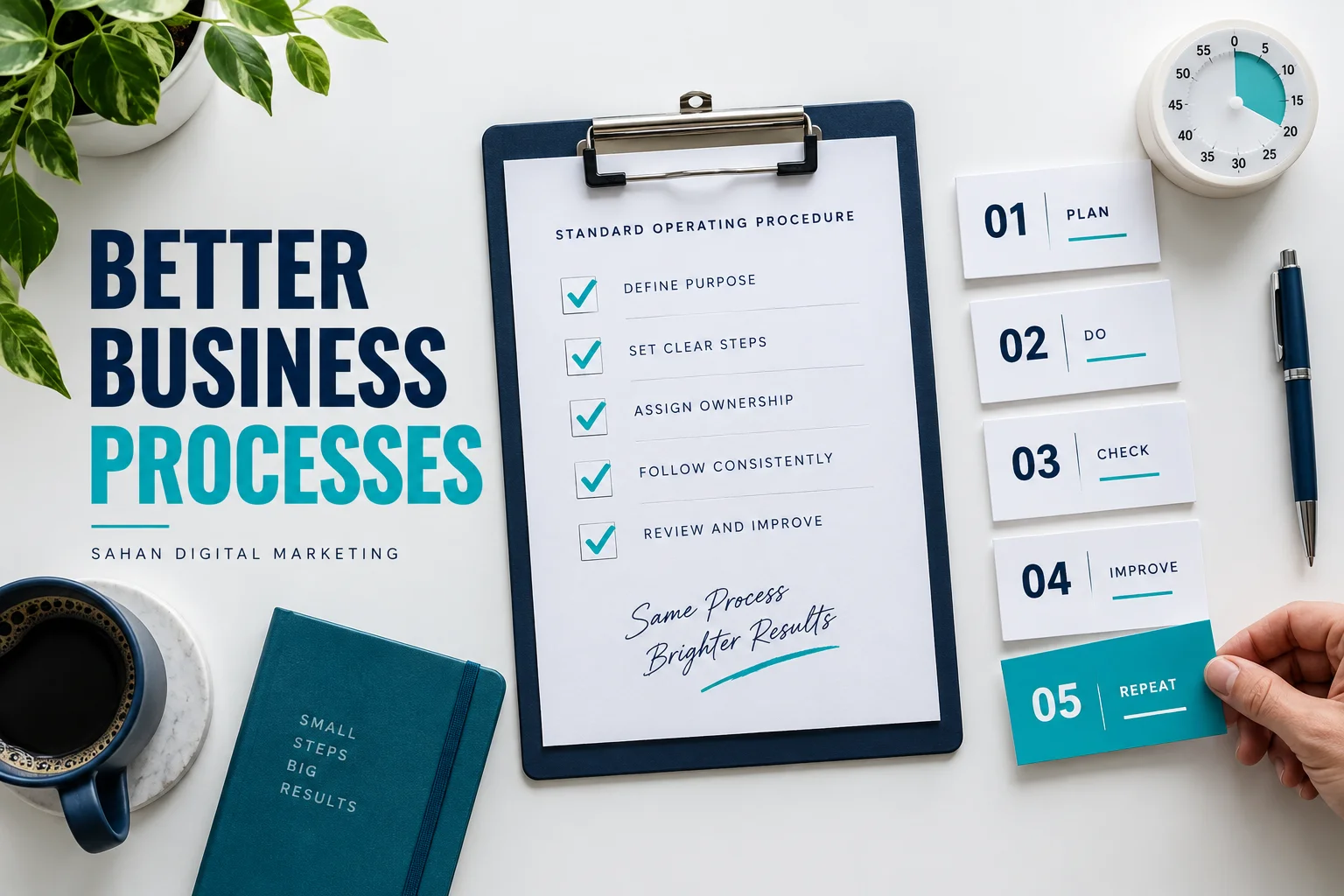
Standard operating procedures turn recurring work into instructions that another person can follow. For a small business, the goal is simple: fewer missed steps, clearer handovers and less dependence on the owner remembering everything.
A procedure does not need to become a large manual. A short, tested document can be more useful than twenty pages nobody opens. Start with one frequent task that causes confusion, such as preparing a customer quotation, publishing an article or handing a completed website to a client.
This article presents a practical seven-step approach and an illustrative handover example. It is general operating guidance, not a substitute for specialist procedures in regulated or hazardous work.
What standard operating procedures should contain
An SOP describes how to carry out a defined activity. A checklist is usually shorter: it helps someone verify that important steps have been completed. A policy sets a rule; a procedure explains how to apply it.
The US EPA’s guidance on preparing SOPs is written for quality systems, but its emphasis on documented, consistent procedures offers a useful reference. A small service business should adapt the level of detail to its own work rather than copying an institutional manual.
1. Choose one process worth documenting
List recurring tasks and rank them by frequency, consequence of error and difficulty of handover. Select one task where a missed step creates rework or customer frustration.
For example, forgetting to test a contact form before a website handover matters more than using a different folder colour. Concentrate on the steps that protect the outcome. Avoid documenting a process that is about to change completely unless the current risk requires immediate action.
2. Define the start, finish and owner
State what triggers the procedure and what counts as completion. “Handle a new client” is too broad. “Create a project folder after a signed proposal is received” has a clear boundary.
Assign an owner who maintains the document and a role that performs the task. These may be the same person today, but keeping the responsibilities separate helps when the team grows. Identify a backup for absences.
3. Observe the work before writing instructions
Ask the person who performs the task to complete it while explaining each step. Capture the inputs, tools, decisions and common exceptions. Notice where they pause to remember a detail or contact someone else.
Do not turn every habit into a permanent rule. Discuss whether each step is necessary and whether a simpler route achieves the same result. Documentation can reveal an inefficient process; it should not preserve that inefficiency automatically.
4. Write short actions with a clear result
Begin each step with a verb: open, confirm, compare, save or send. Name the exact document or system where useful. Replace “check everything” with a defined check, such as “send a test enquiry and confirm it reaches the agreed inbox.”
Use screenshots only when they clarify a confusing interface. Hide client information and credentials. Link to the current shared resource instead of embedding copies that become outdated.
5. Add decision points and exceptions
Real work does not always follow the ideal sequence. Explain what to do when an input is missing, a customer has not approved the work or a system is unavailable. Include who can authorise an exception.
A helpful rule might be: “If the approval email is missing, stop the handover and ask the project owner to confirm approval.” That is more useful than telling the employee to use their judgment without defining the boundary.
6. Test with someone who did not write it
Give the draft to a colleague and let them perform the task without coaching. Ask them to mark every unclear instruction. Where they need help, improve the document or the process.
If you work alone, test it after a short break and record the steps you still had to infer. This is less independent than a colleague’s test, but it is better than assuming a first draft is complete. Do not count a procedure as ready until its expected output can be checked.
7. Publish one controlled version
Store the approved SOP in one shared location. Give it a document owner, version number, approval date and review trigger. An example trigger is a change in software, customer requirements or a recurring error.
Archive superseded versions so people do not follow two competing sets of instructions. Link the SOP from the task board or project template where the work begins. Standard operating procedures are useful only when people can find them at the moment of need.
A practical SOP template
| Field | What to write |
|---|---|
| Process name | A specific recurring activity |
| Trigger | The event that starts the work |
| Owner and backup | Who maintains and performs it |
| Inputs | Required files, access and approvals |
| Steps | Numbered actions in working order |
| Exceptions | When to pause and who decides |
| Completion check | Evidence that the task is finished |
| Version and review | Current edition and review trigger |
Example: a website handover procedure
Imagine a small design studio that has finished a client website. Its handover SOP starts after written approval of the final design. The project owner confirms the agreed deliverables, tests the main enquiry form, checks key pages on mobile and verifies the client’s access using an appropriate secure process.
Next, the studio provides a short usage guide, records maintenance responsibilities and obtains acknowledgement of the handover. If a test fails, the project remains open until the issue is resolved or an explicit exception is agreed. Completion is a documented handover, not simply sending a final email.
Link this process to a website maintenance checklist and your business continuity plan so recurring support and staff absences have clear arrangements.
How to tell whether the SOP helps
Track a few practical measures: repeated questions, rework, missed handover steps and time needed for a new colleague to finish the task. Compare similar work and note changes in task complexity. Do not promise a fixed productivity gain before observing results.
Frequently asked questions
How long should an SOP be?
Long enough to complete the task safely and consistently. A simple process may fit on one page; a complex one may need linked supporting instructions.
Can AI write standard operating procedures?
It can help organise notes, but a person who understands the work must verify the steps and test the output. Never treat invented software instructions or assumed approvals as established practice.
What is the best first SOP?
Choose a task you perform regularly that creates avoidable mistakes. Document it, test it and improve it before building a larger manual.