

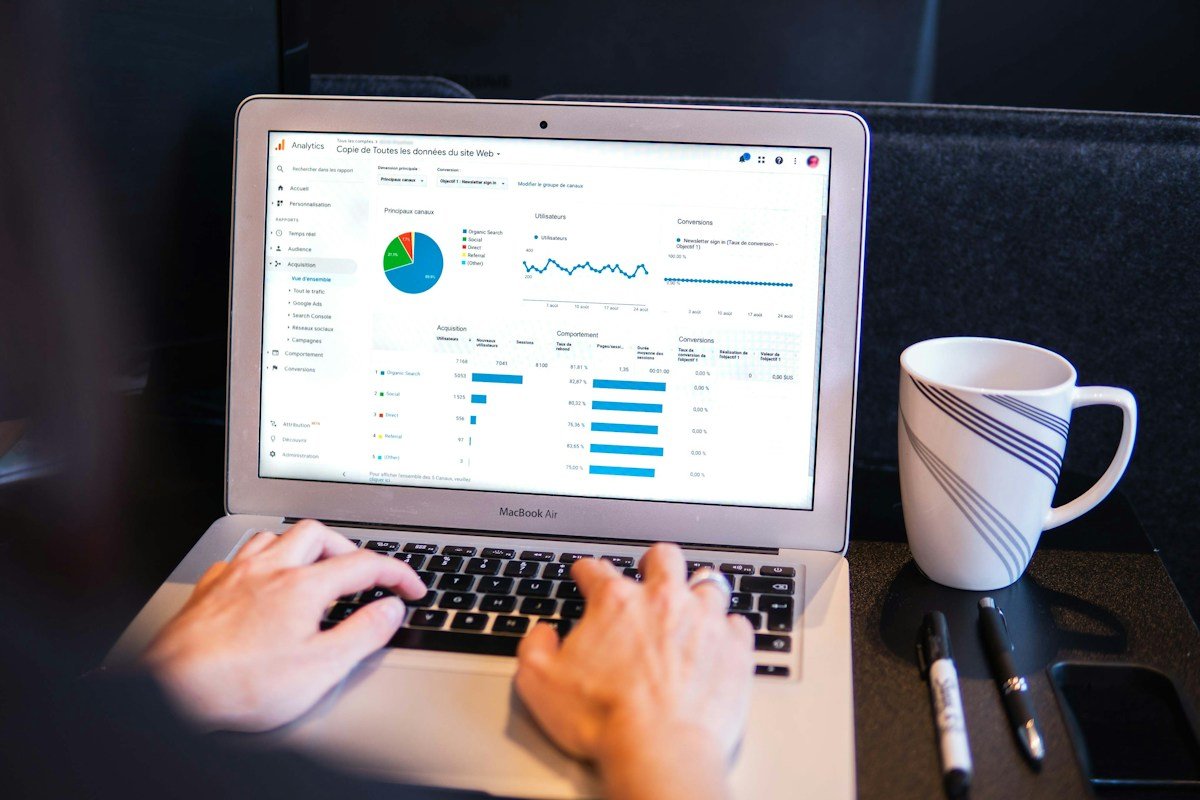
If your business serves customers in more than one country, Search Console data can become difficult to interpret. A single site’s clicks, impressions, CTR and position can hide important differences between markets.
Google updated the Search Console Performance report filters on October 6, 2026 to make analysis across countries and devices easier. The change is useful for businesses that operate across borders because it can reduce the need to inspect countries separately before forming a broader view.
Why country-level analysis matters
Search performance is not identical everywhere. The same page can attract strong impressions in one country and almost none in another. Search intent, language, competition, local demand, brand awareness and device behavior can all change the result.
Google’s Search Console Performance report already lets site owners examine queries, pages, countries, devices, search appearance and dates. The updated filtering experience makes it easier to analyze combinations of these dimensions when a business needs a broader market view.
5 ways small businesses should use the updated filters
1. Compare markets before changing the whole site
Start by looking at countries separately. If a page performs well in one market but poorly in another, do not immediately rewrite the page for everyone. First identify whether the difference is caused by demand, language, search intent, competition or the site’s current visibility.
2. Separate country effects from device effects
A market can look weak because its audience uses mobile devices more heavily, not because the page is inherently weak. Compare country and device views before deciding that a content or technical change is necessary.
3. Look at impressions before celebrating clicks
Clicks tell you that people visited. Impressions show whether Google is exposing your pages to searches in the first place. A country with high impressions but weak CTR may need better titles or snippets. A country with very low impressions may require a different investigation, such as relevance, language or demand.
4. Compare markets using the same date range
Keep the time window consistent when comparing countries. Otherwise, seasonal demand or a recent publishing change can make one market appear stronger simply because it covers a different period.
5. Export the data when a decision needs evidence
Search Console supports exporting report data. For a small business, a simple spreadsheet can turn the raw report into a useful market table: country, impressions, clicks, CTR, average position and the pages receiving the most visibility.
How to read the numbers without misleading yourself
Do not treat average position as a universal score for a country. Google explains that the metric represents the average position of the topmost result from your site for the relevant data grouping. It is useful for trend analysis, but it should be read alongside impressions, clicks and the actual queries or pages involved.
Also remember that Search Console data can have aggregation and privacy-related limitations. Country-level data is aggregated at the property level, while page-level data is aggregated by page. Small samples can therefore be easy to overinterpret.
A simple international SEO workflow
- Choose a consistent date range.
- Review total Search performance first.
- Break performance down by country.
- Identify markets with meaningful impressions but weak CTR.
- Identify markets with strong CTR but limited impressions.
- Check the pages and queries behind the difference.
- Compare device behavior before making technical changes.
- Make one focused change and measure it over time.
What small businesses should not do
- Do not rewrite every page simply because one country performs differently.
- Do not treat a small amount of country data as a reliable market forecast.
- Do not chase average position while ignoring clicks and impressions.
- Do not assume a weak country result automatically means an SEO penalty.
- Do not create country pages unless there is a genuine audience and useful localized value.
Where this fits with AI and multimodal search
Country analysis is becoming more useful as Search itself becomes more varied. Google now reports generative AI performance and web multimodal search in Search Console, including data by country and device. That means businesses can increasingly ask not only “How much traffic did we get?” but also “Where and in what kind of search experience are people discovering us?”
For a small business, that is a better question because it connects Search Console data to actual publishing decisions: which markets deserve localized content, which pages need stronger titles, and where visual or multimodal search may be creating additional discovery opportunities.
Bottom line
The value of the updated country filtering is not the filter itself. It is the ability to make cleaner comparisons. Use it to separate markets, test assumptions and find pages that deserve attention—then make targeted changes rather than changing the entire site based on one blended average.